
Wow, my last EveBox update on this blog was in 2017, but it's not dead. It's had consistent updates since, though more of a slow evolution than anything groundbreaking. As of today, the current release is 0.30.0.
If it's been a long time since you tried EveBox, but you still like the idea of it, it might be worth trying again. It even has a mascot now.
Less Maintenance
Controls have been added for event retention to avoid running out of disk space. With SQLite, events older than 7 days are automatically deleted to keep the database size and performance in check. Retention can also be capped by database size, for example 40 GB. Of course, this is all configurable.
Retention isn't enabled by default for Elasticsearch/OpenSearch, but it can be turned on from the new Admin page in the web interface. This really cuts down on the babysitting involved in running a Suricata event management system with Elasticsearch.
Additionally, the Admin page allows alerts to be auto-archived after a configurable number of days. This keeps the inbox from piling up with alerts that are never going to be looked at.
Full Packet Capture Retrieval
If you have full packet capture running, either with Suricata's
pcap-log output or another tool like netsniff-ng, EveBox can be
pointed at the PCAP spool directory and offer one-click downloads of
the packets related to an alert or any other event. The spool can be
local to the EveBox server, or on a remote sensor served up by the
EveBox agent.
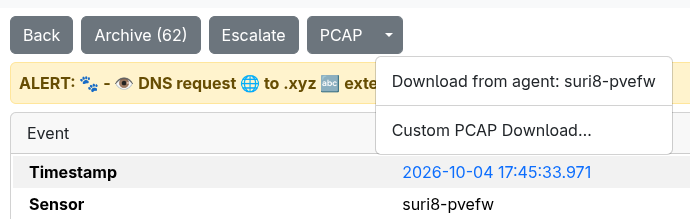
While something similar was possible before by linking out to Dumpy, this is a much more seamless experience.
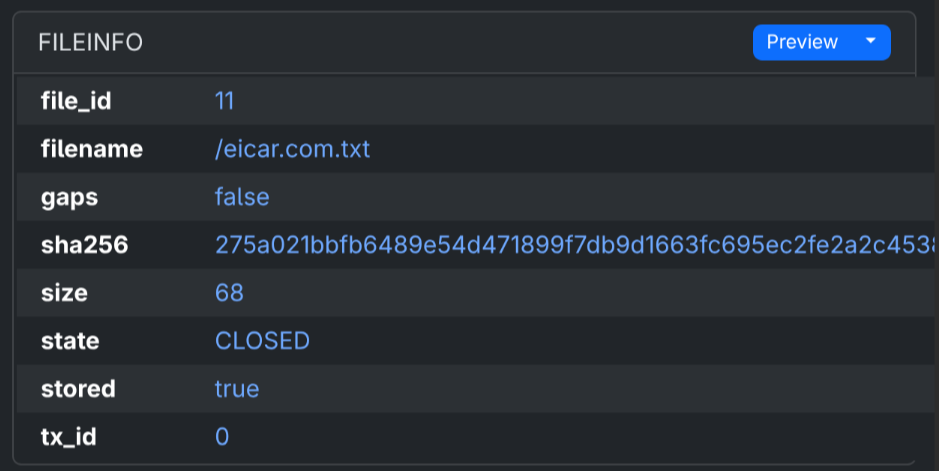
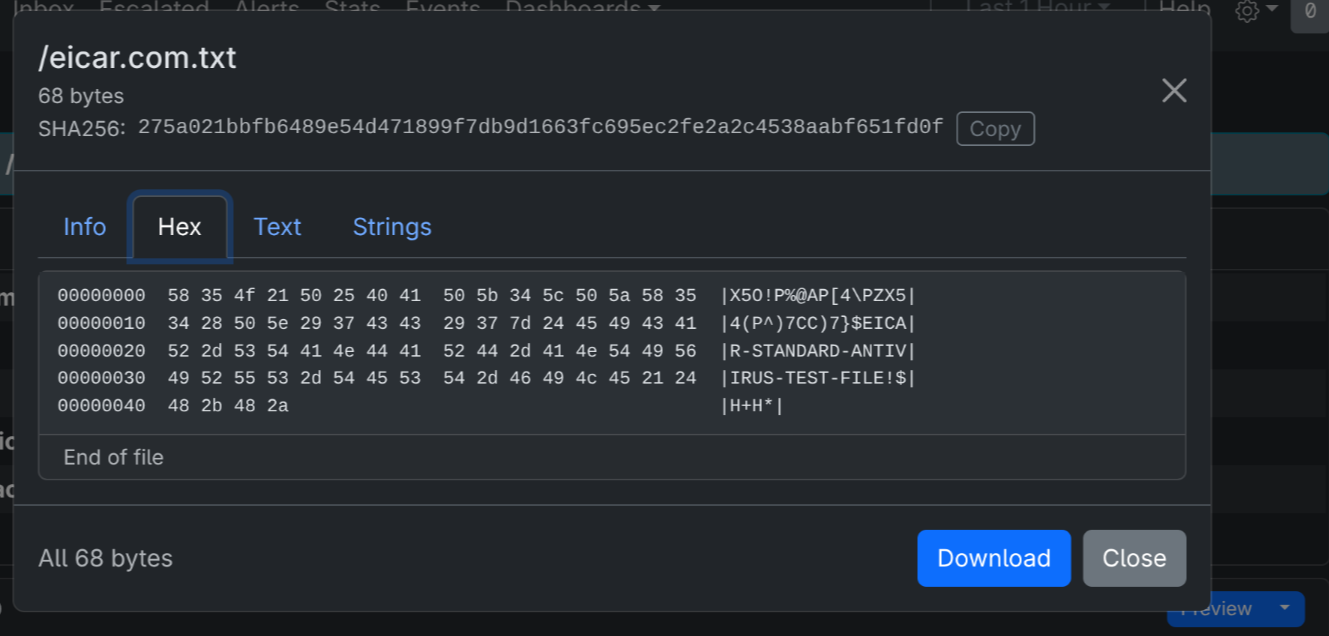
File Extraction Previews and Downloads
With the work done to enable full packet capture downloads, accessing files extracted by Suricata's file-store output became rather simple.

Introducing EveCtl
And I guess it's time to introduce EveCtl, even though it has existed in some form since 2021.
EveCtl is a single program that spins up Suricata and EveBox through a simple menu-driven interface on Linux and Windows. It supports three types of installs:
- Standalone: Suricata and an EveBox server on a single host, with a choice of SQLite, OpenSearch or Elasticsearch for event storage
- Agent: Suricata and an EveBox agent, sending events to an existing EveBox server
- Server: An EveBox server only, to collect events from agents
On Linux, Suricata and EveBox run as containers, so Docker or Podman is required. On Windows, native Suricata, EveBox and Npcap installs are used, with SQLite as the datastore.
Check it out at https://evebox.org/evectl/.
What's Next
Rule management, of course. It's a little odd it's taken me so long to get to this, given I spent a good 10 years or more working on a rule management control plane for that other IDS, but I think I'm ready to tackle this on the EveBox side soon.